
High quality renders of your Three.js scenes
Turn your scene into a studio-quality image, video, or baked 3D model
Delightfully simple integration
Connect your scene and call render() or renderVideo(). The SDK reads your objects, camera, materials and lights and passes them on to the renderer. The scene you ship is the scene that renders.
But it doesn’t end there. The SDK offers ways to spice up your scene or 3D model viewer, like adding rooms or environments. And psst, you can even render TSL shaders.
import { useBakery3 } from '@oeave/bakery3/r3f'

function RenderButton() {
  const { render } = useBakery3({ apiKey: 'bk_sk_…' })

  async function onClick() {
    const job = await render({ quality: 'studio' })
    const image = await job.result() // { url, width, height, cost, ... }
  }

  return <button onClick={onClick}>Render</button>
}
See what will render before you spend anything
The compatibility checker tells you which materials will render, and the estimate tells you what the render will cost. Nothing is uploaded or charged until you’re ready.
const report = bakery3.check()
const quote = await bakery3.estimate()Scene compatibility: 97%
✓ 84 MeshStandardMaterials
✓ 12 MeshPhysicalMaterials
✓ HDR environment
✓ Instanced geometry
✗ 1 ShaderMaterial needs a fallback
⚠ 8192px texture slows the upload
Estimated studio render:
$0.12 (max $0.16)Use cases
Product configurators
When your user is done configuring their sofa, render out a real, good-looking version showing their exact object with great lighting, the right materials, and maybe even in an environment.
Build this into your product configurator and increase your buyer’s confidence.
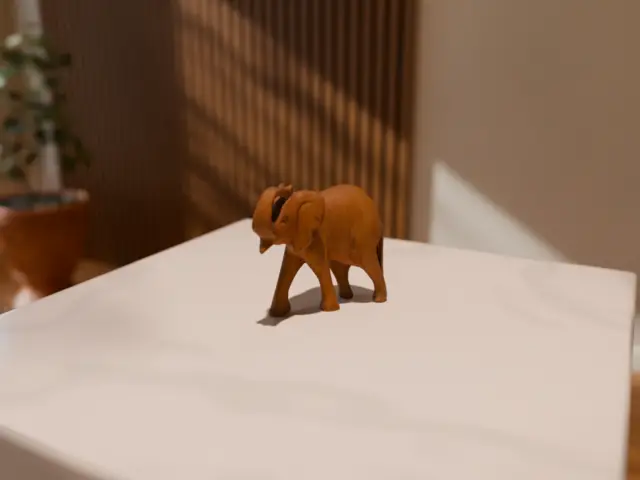
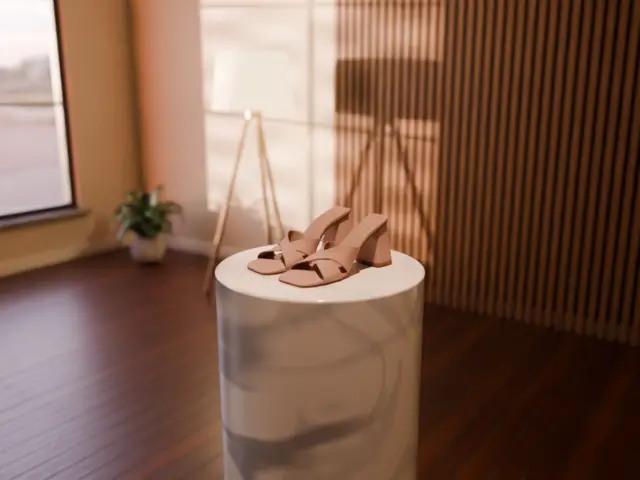
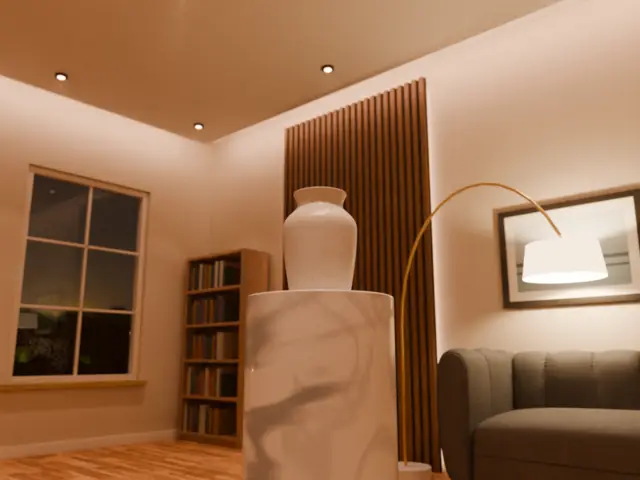
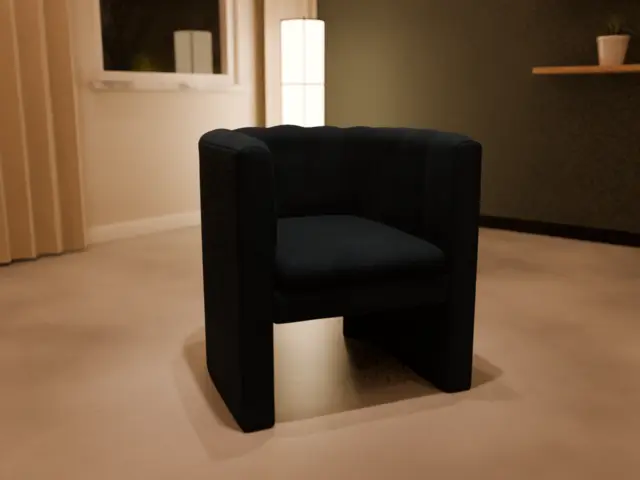
Show your product in free pre-made environments
Drop your product into a ready-made room, a backdrop or a studio floor, and render it there. No scene to build or complex lighting tweaks.
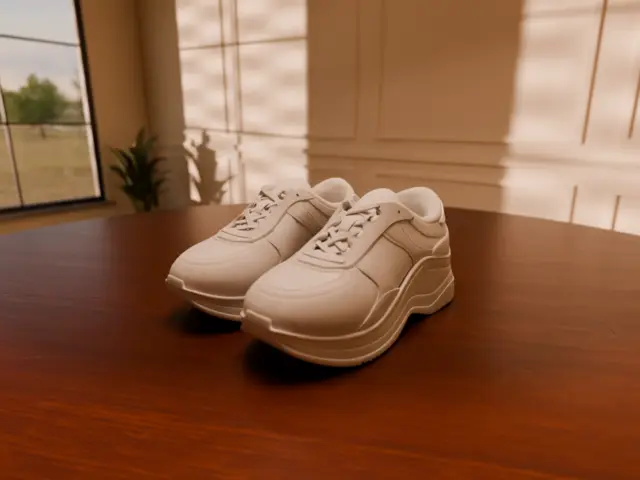
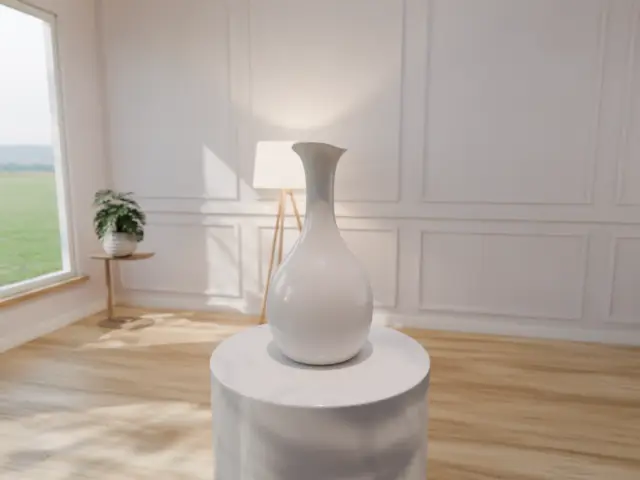
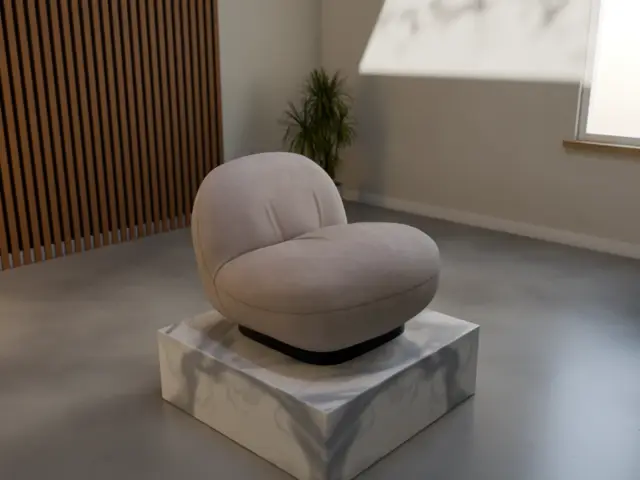
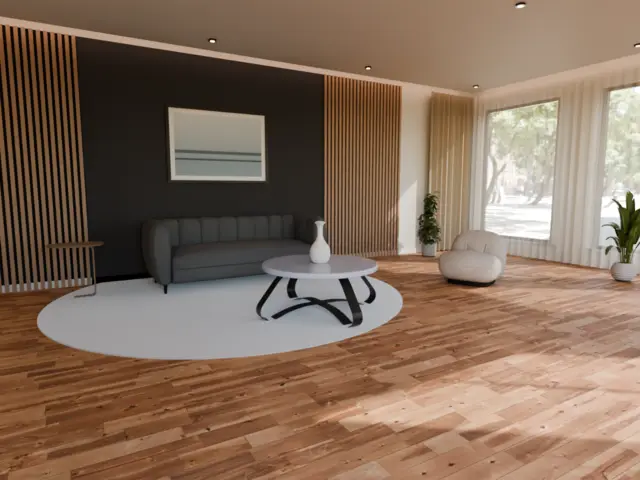
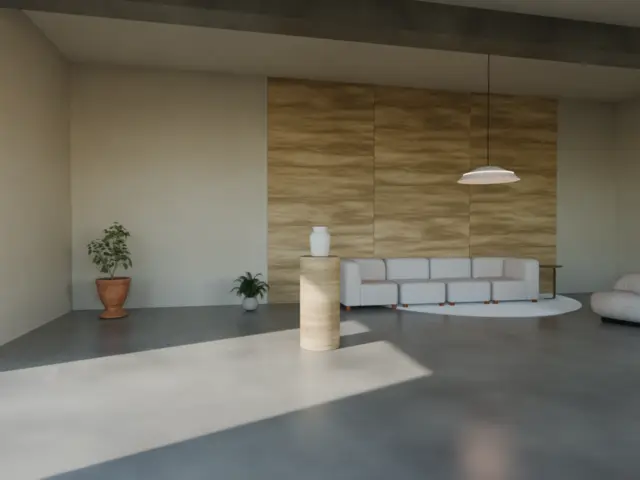
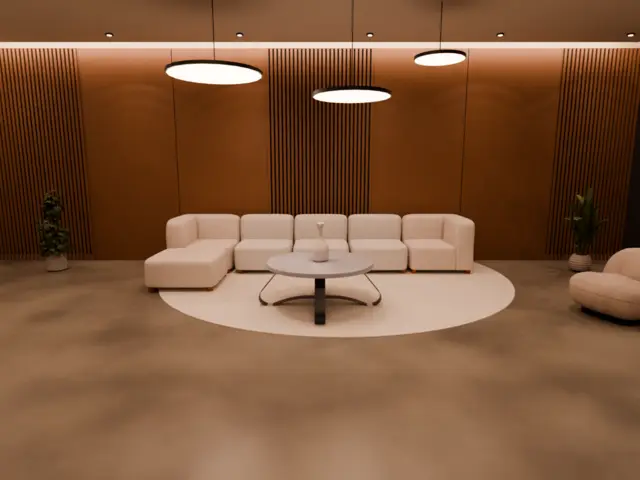
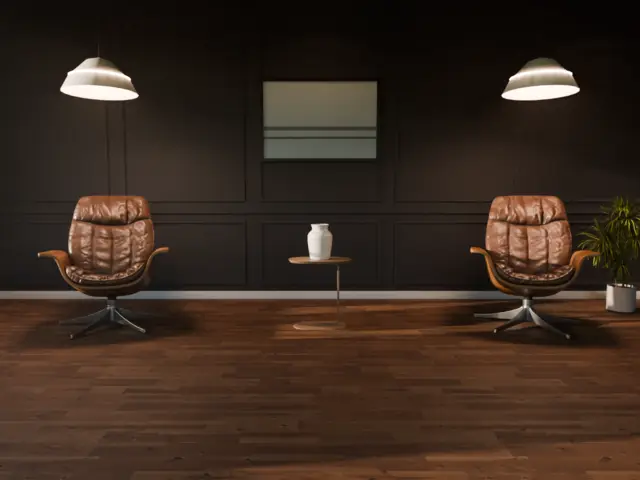
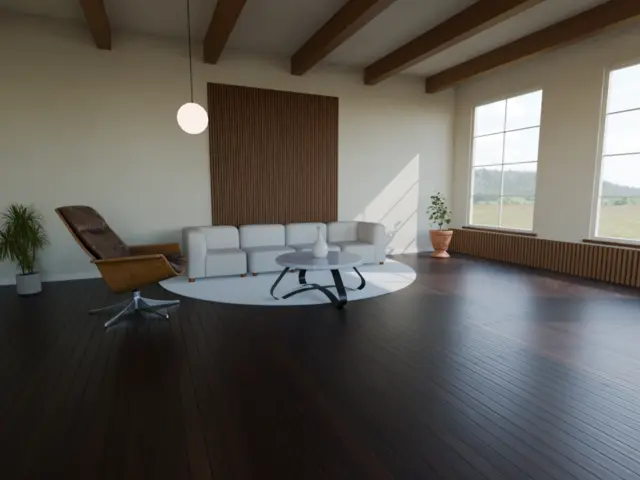
import { createPresetRoom, applyPresetRoomCamera } from '@oeave/bakery3/presets'

const room = useMemo(() => createPresetRoom('loft_golden'), [])
const camera = useThree((state) => state.camera)
useEffect(() => applyPresetRoomCamera(camera, room), [camera, room])

<primitive object={room} />
<Product position={room.userData.stand} />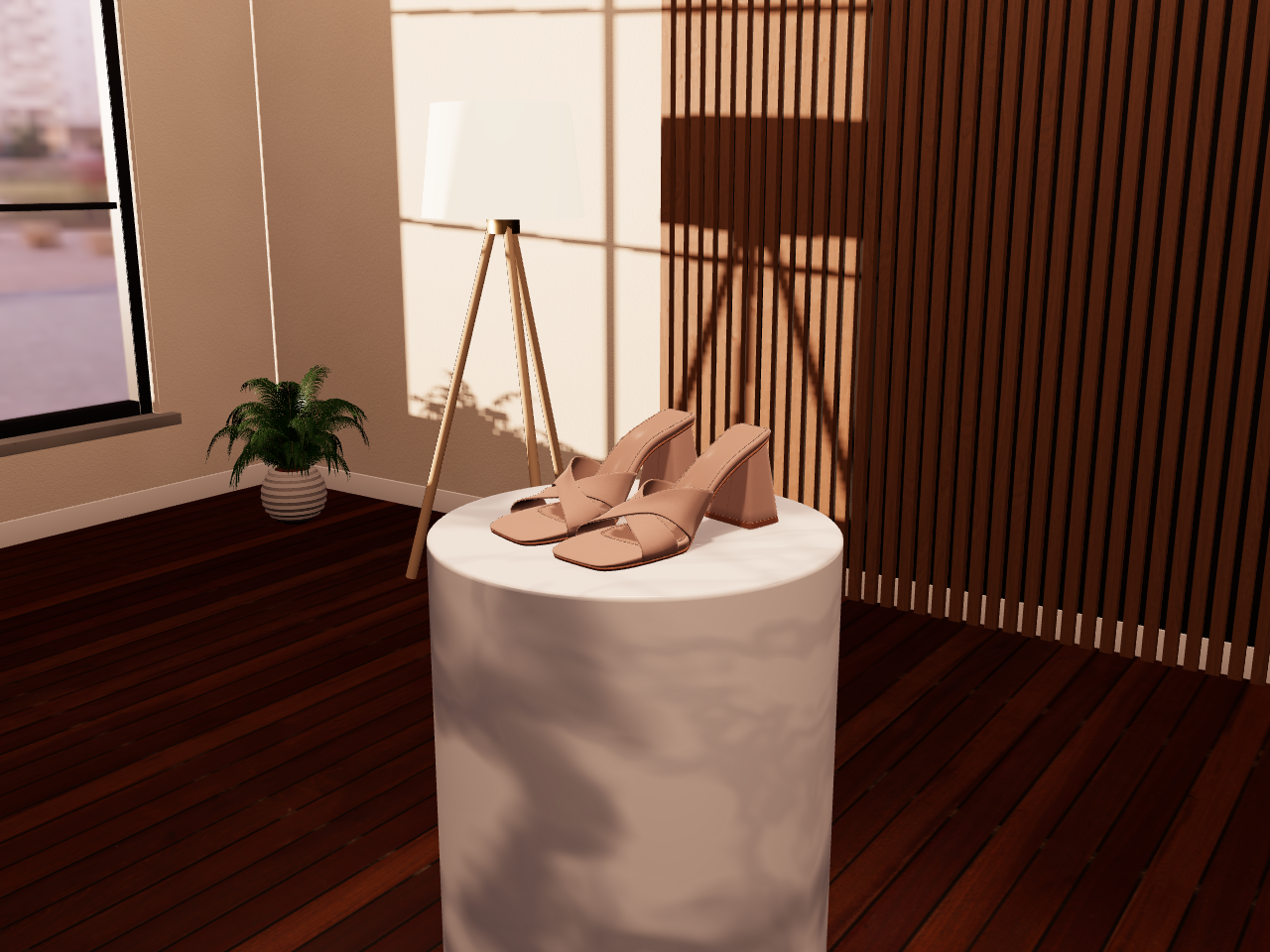
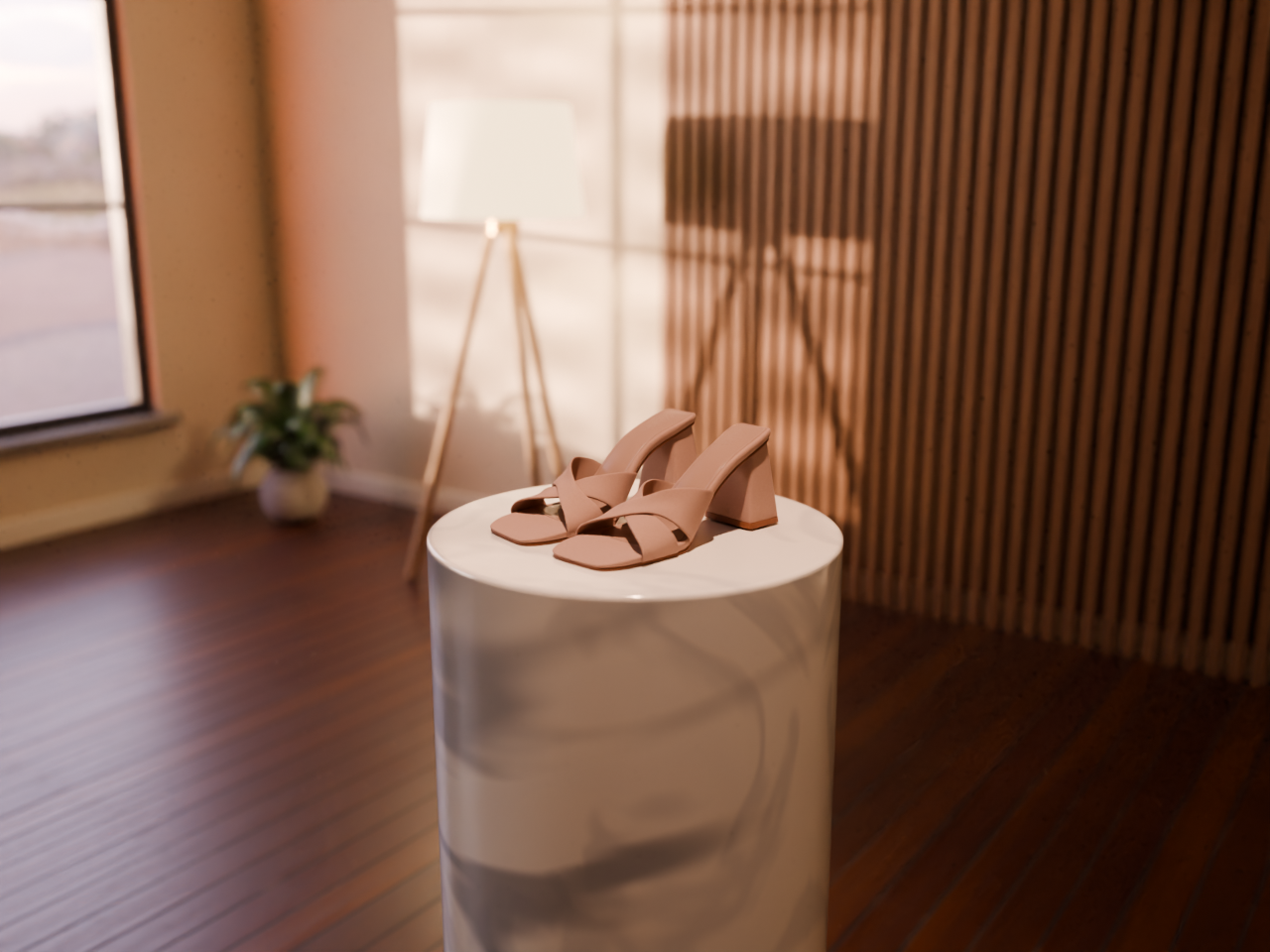
Furnished rooms
12 interiors with windows, furniture and designed lighting, from midday to night. Your page shows a lightweight version of the room, and the render builds it at full quality.
createPresetRoom('loft_golden')
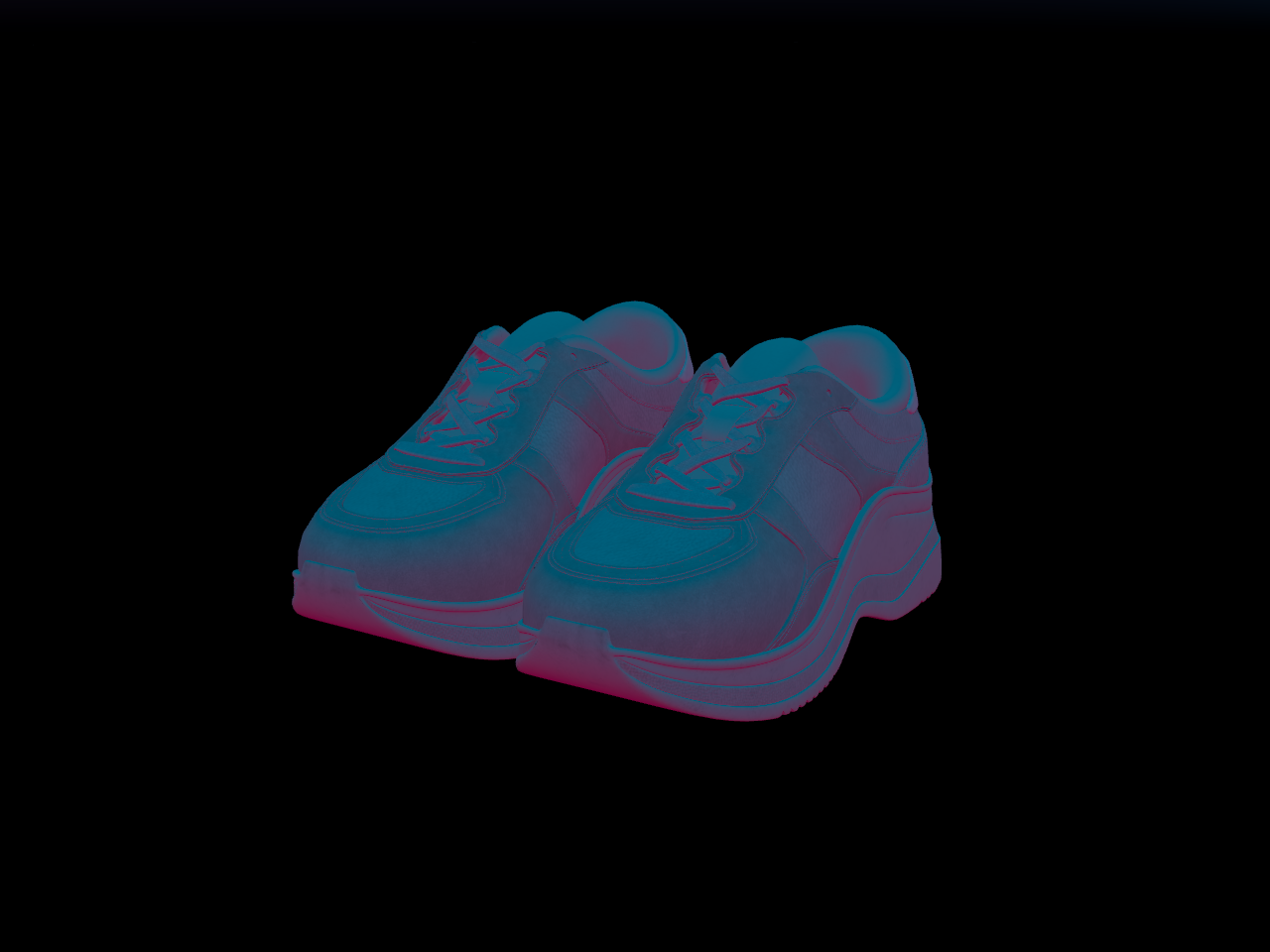
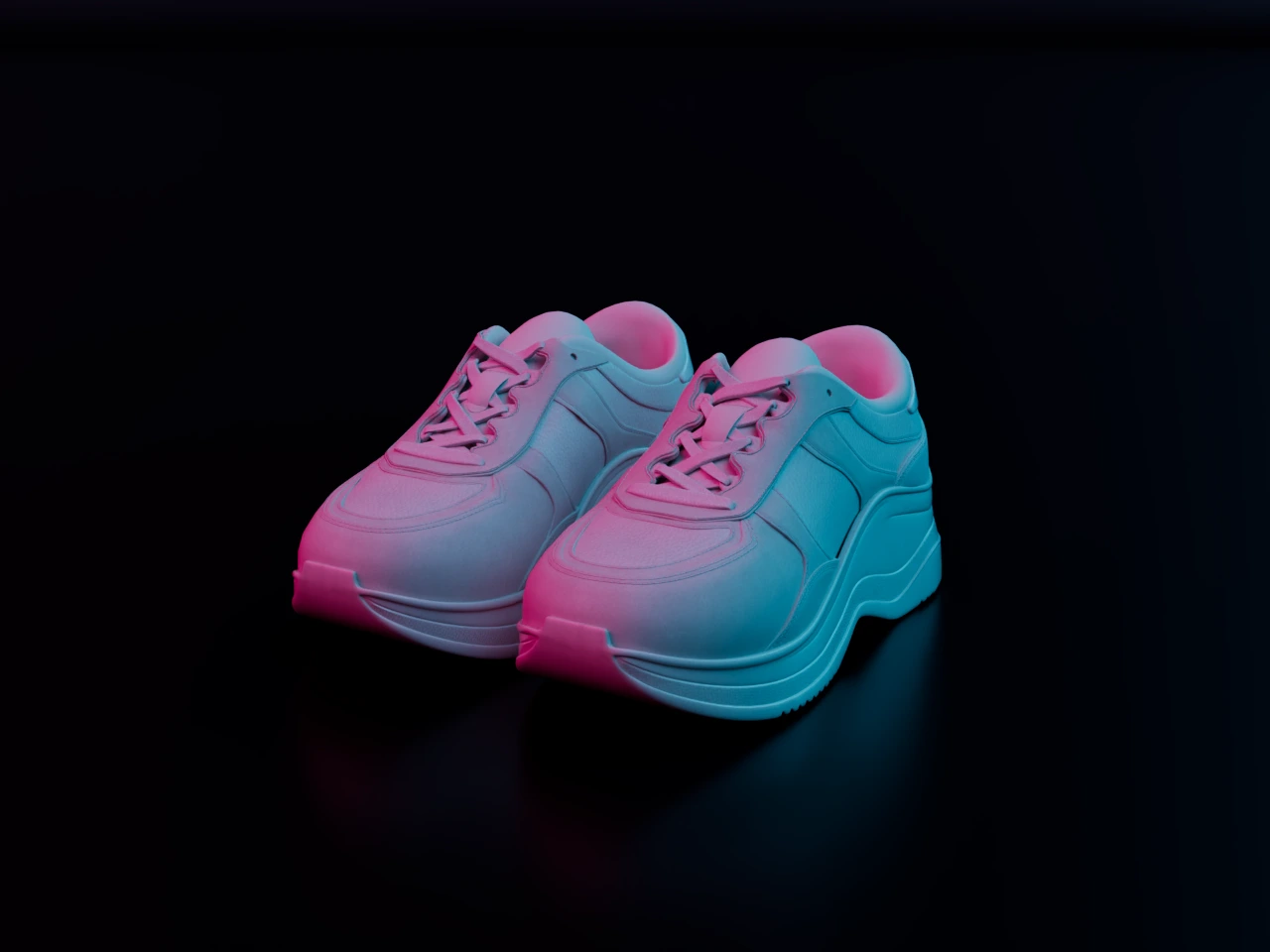
Abstract backdrops
Shader-lit domes for a product with no room: four shaders, in dark, colorful or light. The glow is real light in the render, so it shows up in the reflections and on the ground.
createEnvironment({ shader: 'blobs' })
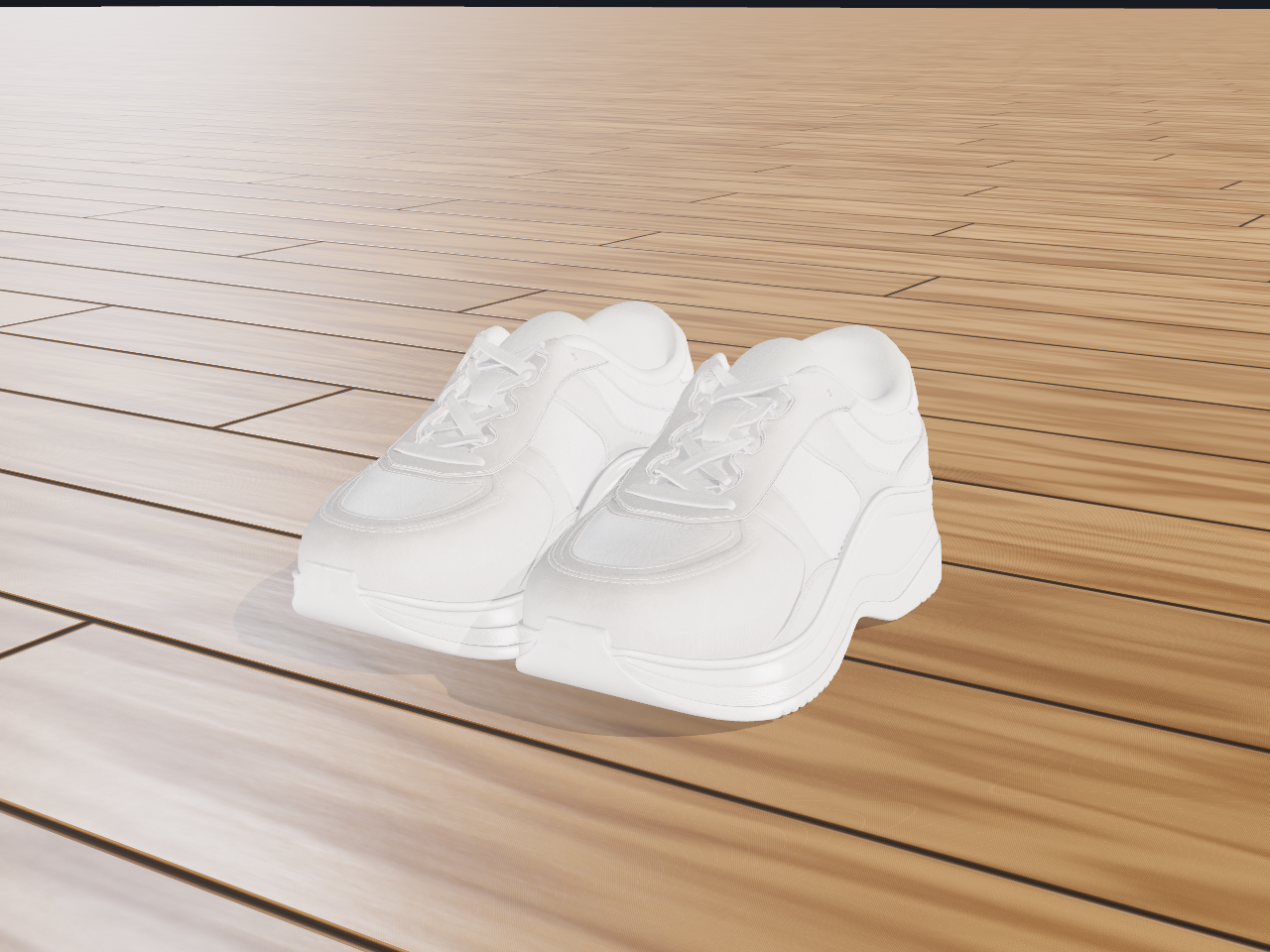
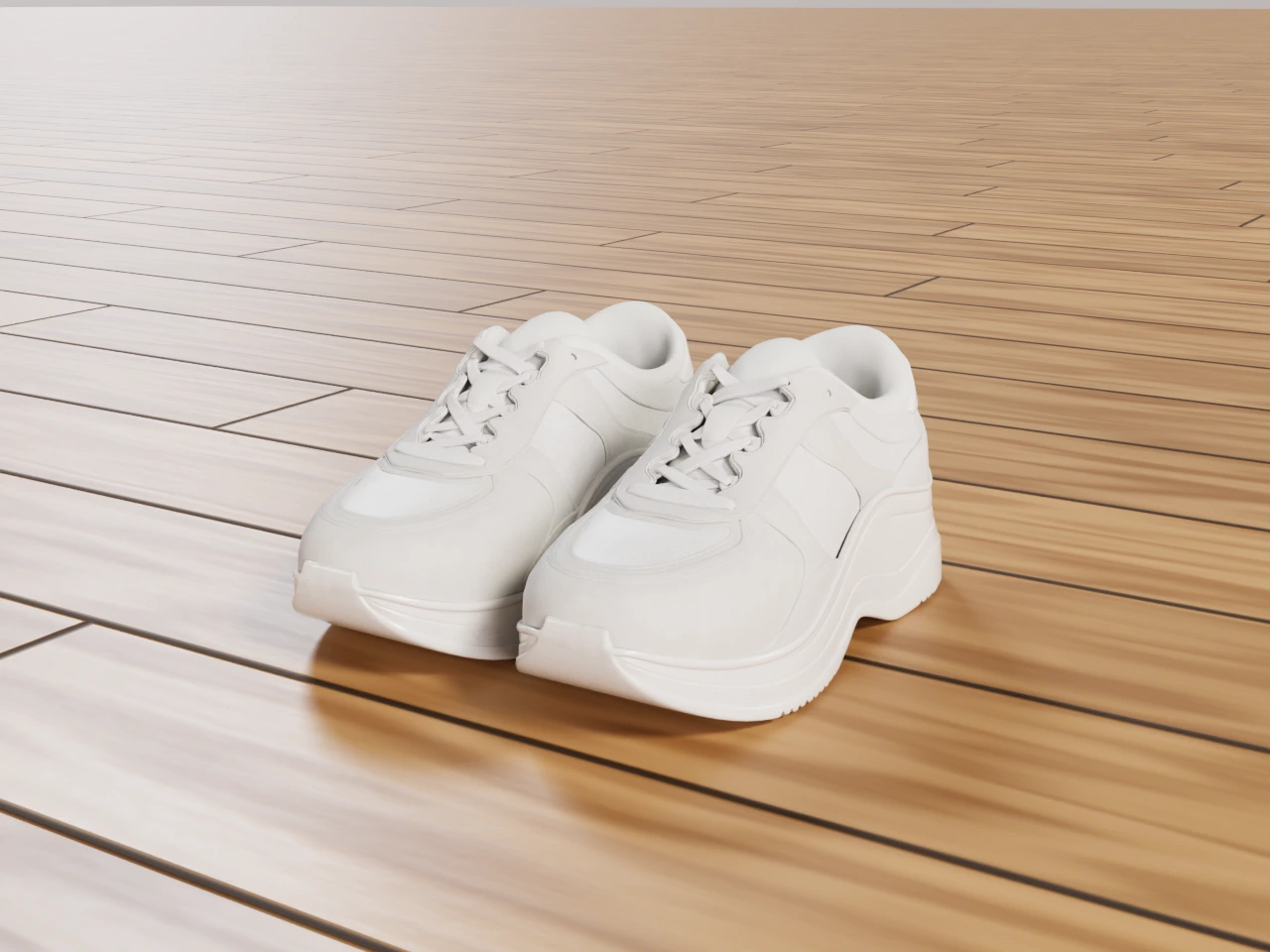
Floors and pedestals
Fifteen seamless PBR materials, four pedestals and a shelf of studio HDRIs, for a clean catalog shot of your product.
createPresetMaterial('oak_floor')
Bake your scene to get the best of both worlds
Get beautiful lighting and shading AND keep the scene spinnable
Instead of getting just an image, get an optimized .glb back that shows your 3D model and environment with baked lighting.
import { createBakeSession } from '@oeave/bakery3/bake'

const session = createBakeSession({ scene })

const job = await bakery3.bake({ settings: { textureSize: 1024 } })
const { bundle } = await job.result()

await session.apply(session.addGeneration(bundle))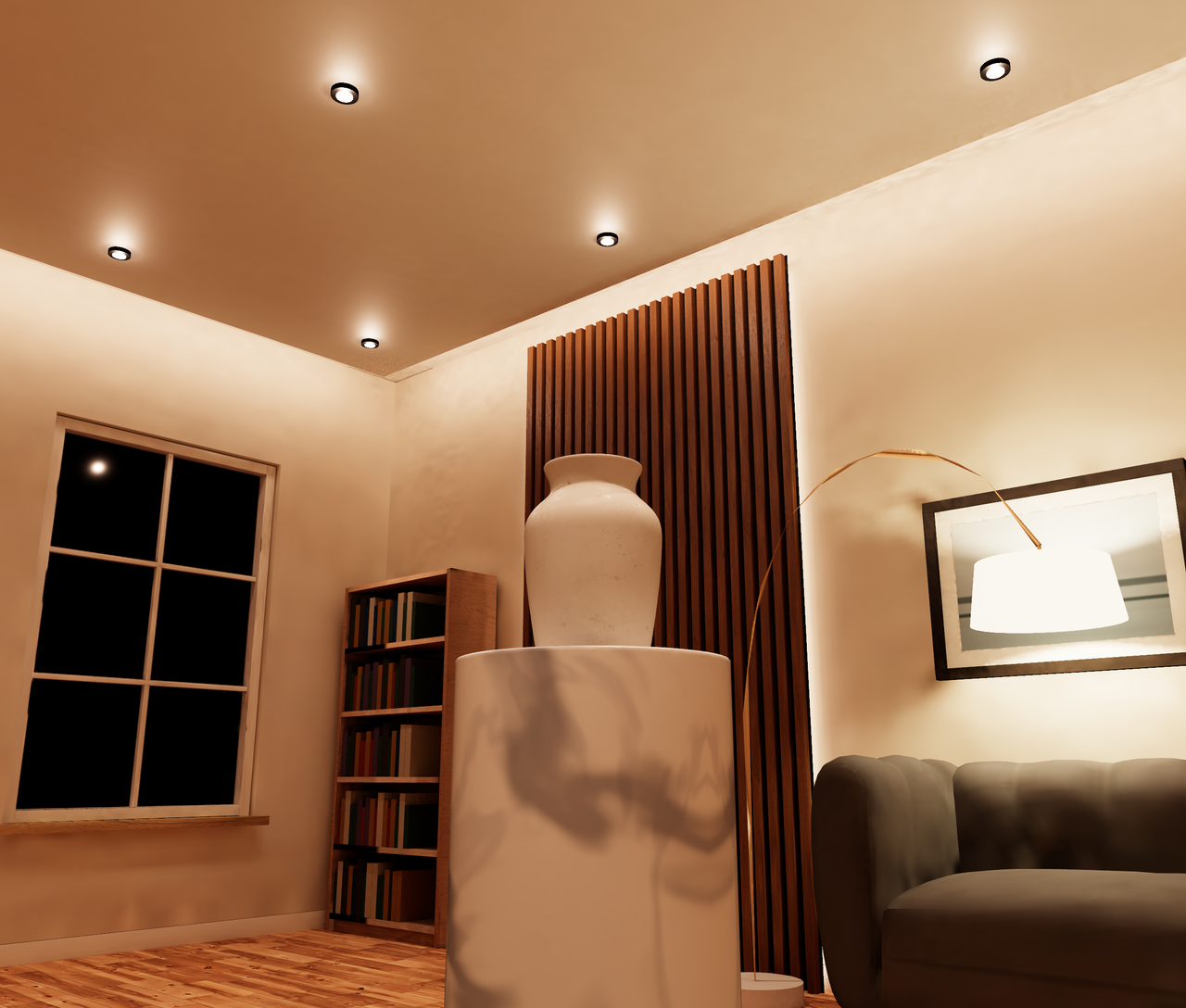 Baked
A ready-made room with the product on its own stand. The light is already painted onto every surface, so the warm wash down the wall and the shadow under the vase stay where they are while you spin it.
up to 2048² lightmaps·high quality·72 object(s) lit·33% of seams in view·57.0 MB to interact

Incredible realism, straight from your MeshPhysicalMaterial
The renderer uses the same concepts your application does: physical materials, HDR environments, instancing, skinned meshes
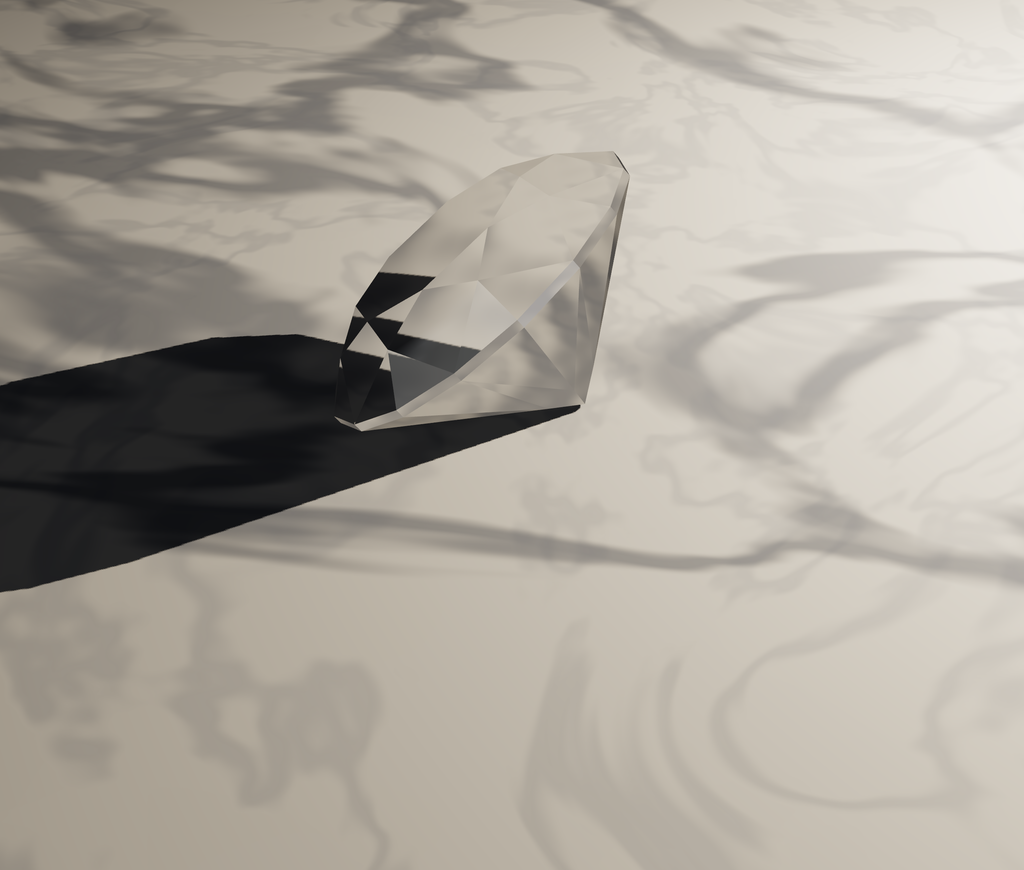
 Three.jsRendered, caustics: 'soft'
1024×870·ultra preset·caustics: soft
The SDK is open source
MIT licensed. Inspect exactly what leaves your application.
The protocol is published
Call inspect() to read the scene manifest before anything is uploaded.
Results are ordinary files
PNG, JPEG, WebP, GLB, EXR. Transparent background by default.
Pay for renders. No subscription needed
Renders are prepaid. Add credit to your balance and spend it whenever you need it. Your balance never expires, and failed renders are never charged.
Top up from $5. Every render is estimated first, and you can set a hard cost ceiling in code.
Scale to an entire catalog
Start a batched render with multiple variants, cameras, and formats, and be notified when done.
await renderVariants({
  key: 'fall-2026',
  variants: products,
  apply: (product) => configurator.show(product),
  cameras: ['hero', 'front', 'detail'],
  maxCost: 600
})
Our promises to you
- The SDK is open source.
- Your results are ordinary files.
- Your assets stay yours.
- Your render balance doesn’t expire.
- No subscription required, ever.
- Failed renders aren’t charged.
- Prices are visible before work starts.
- You can delete your uploads and renders at any time.
- We don’t train models on your scenes or product assets.
Keep building in Three.js
We’ll make it look great
npm install @oeave/bakery3Start for free. Render your first scene.
No subscription required.
No complicated workflow.
No manual export.